KhoaJAK - Personal website
A personal space for projects, images and sharing. Explore KhoaJAK’s interface, Snapshots and reading experience.
Contents
KhoaJAK is my personal space for finished projects, small experiments and things I want to share. The interface centres on content, with large type, generous spacing and an ASCII visual language throughout.
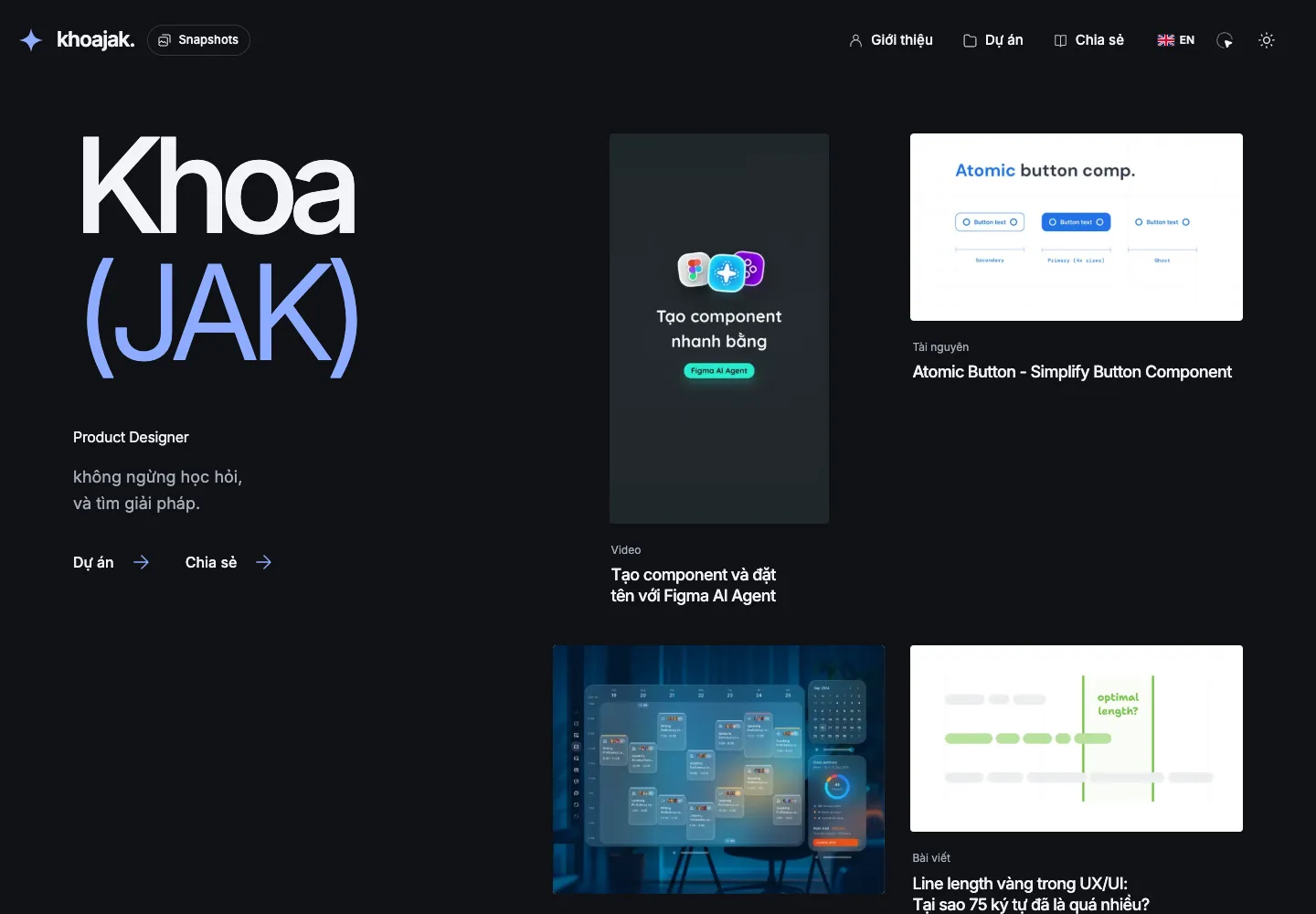
01. One introduction, several ways to explore
The opening pairs a name and role with a reel of projects, articles and videos. Card columns respond to scrolling on desktop; on a phone, visitors swipe through them horizontally. Motion gives the page rhythm while leaving space for individual pieces.
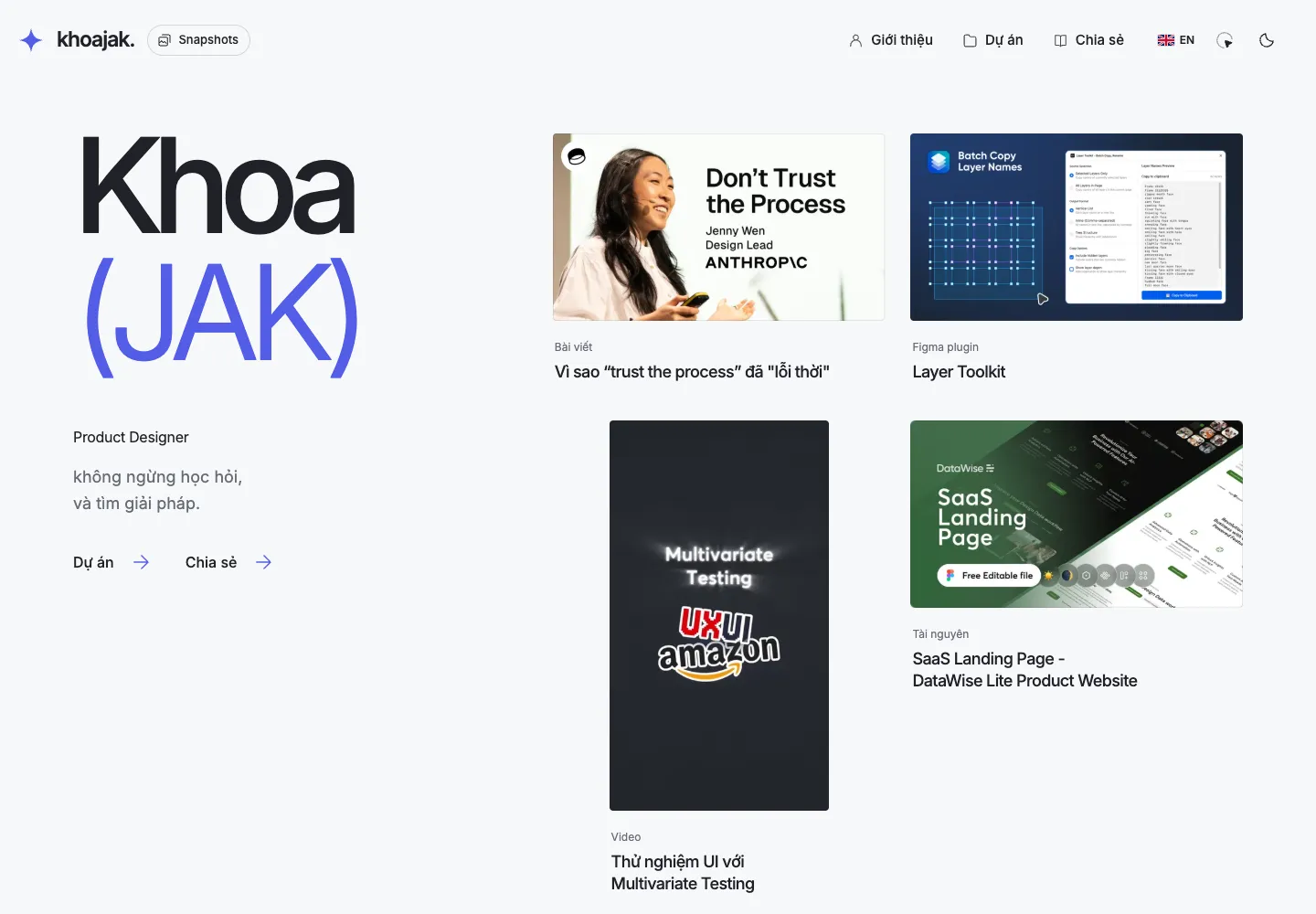
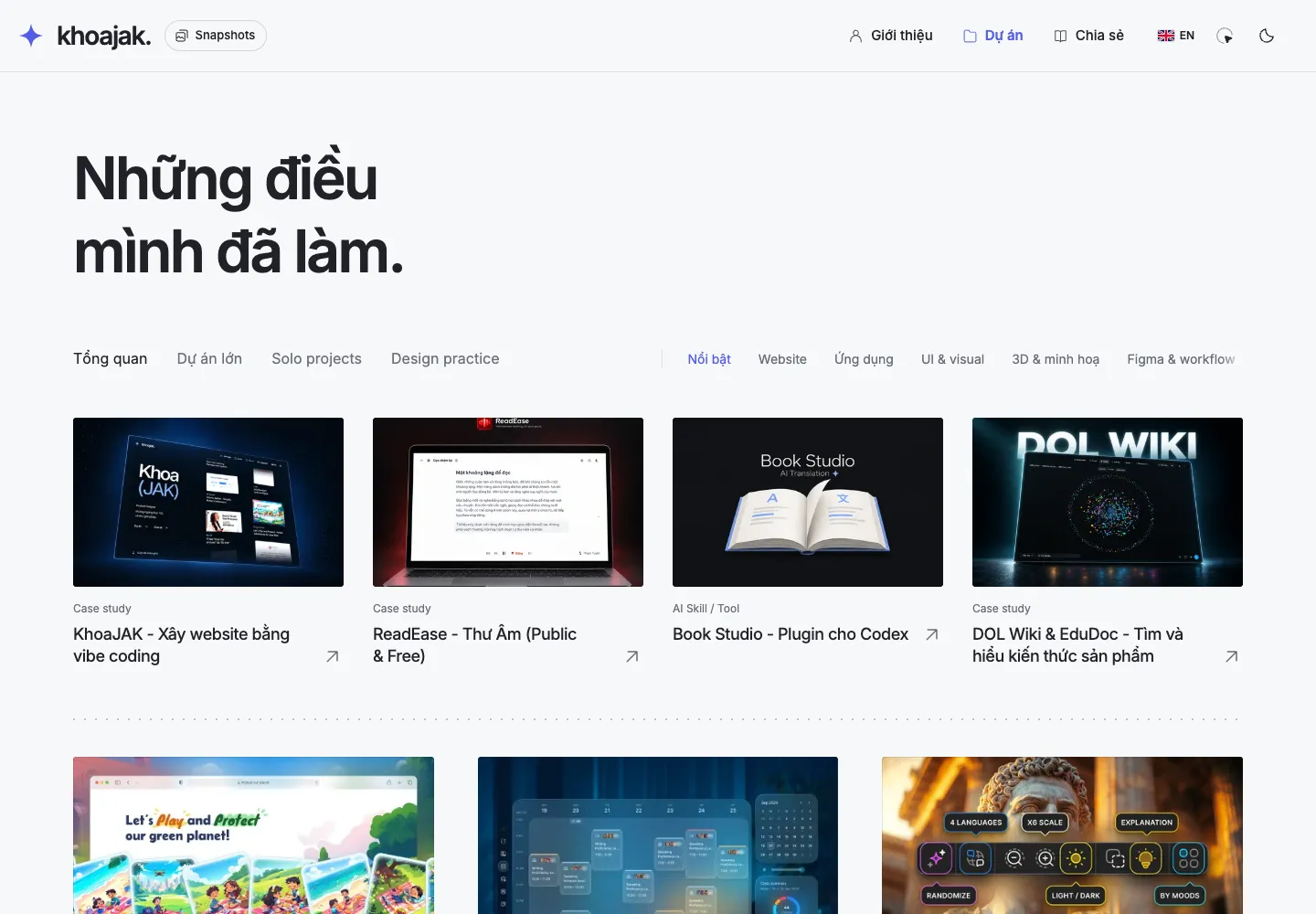
02. Projects and sharing, organised by interest
Projects brings together completed work, personal products and visual studies. A Latest strip introduces recent updates, while topic filters narrow the archive. Cards retain their own image proportions so visitors can recognise the work before opening it.
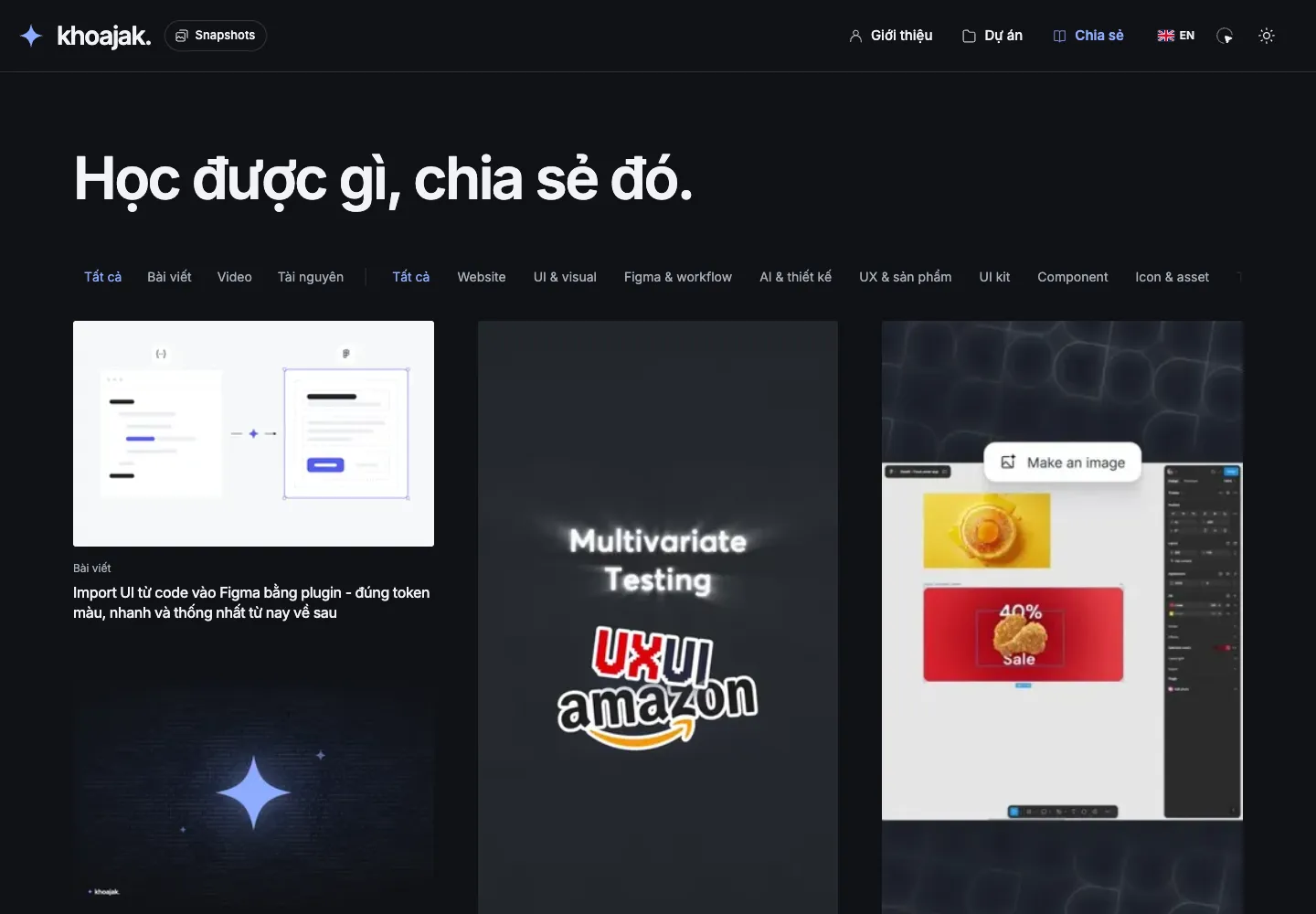
Sharing contains articles, videos and resources. Topics in the archive and inside articles lead to the same filtered lists, letting readers continue into related content.
03. Snapshots: explore through images
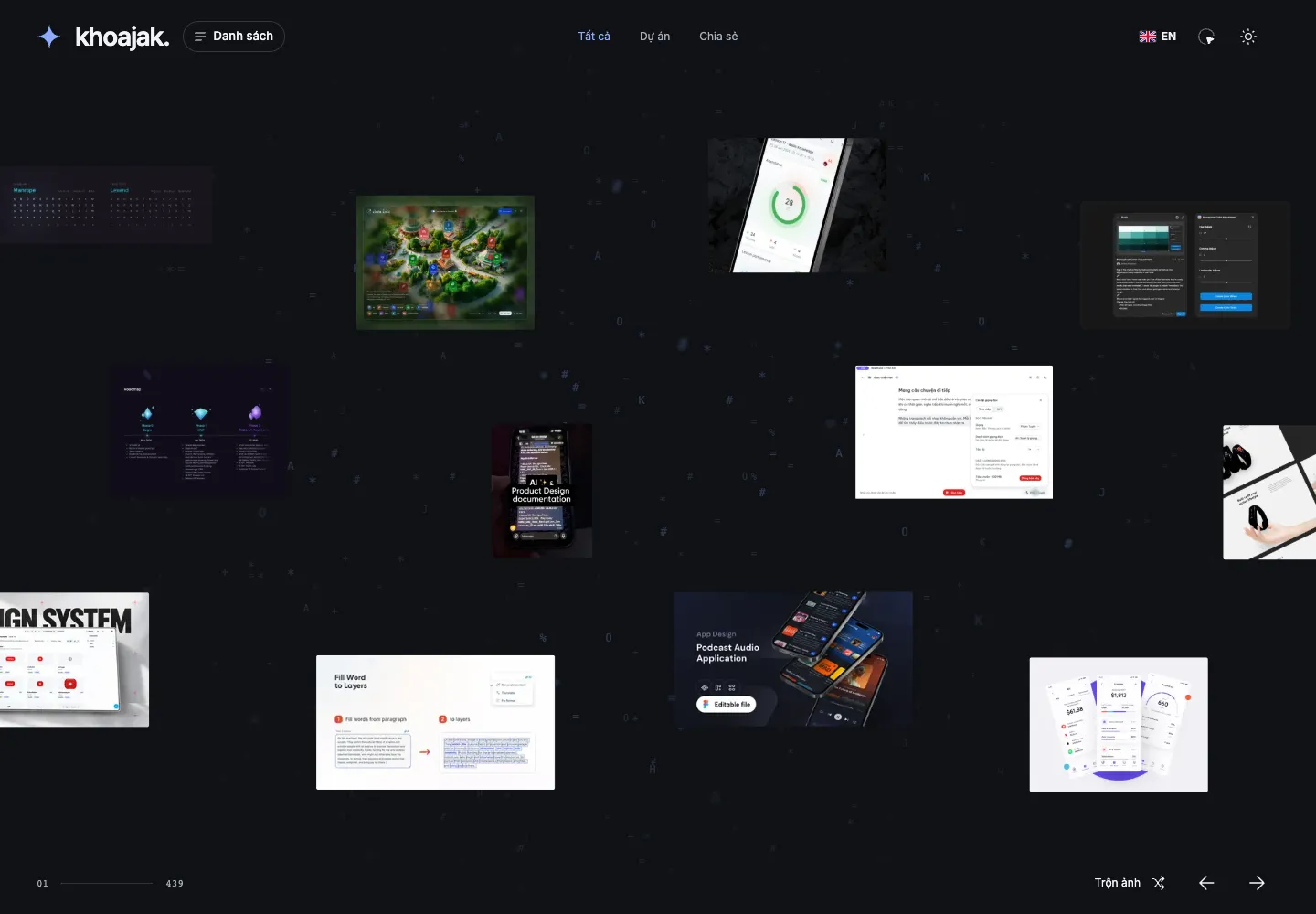
Snapshots offers another entry point: images from the site are spread across an ASCII backdrop. Visitors move horizontally, filter Projects or Sharing, and open an image for a closer look. Each image links back to its source article.
04. Read closely, interact lightly
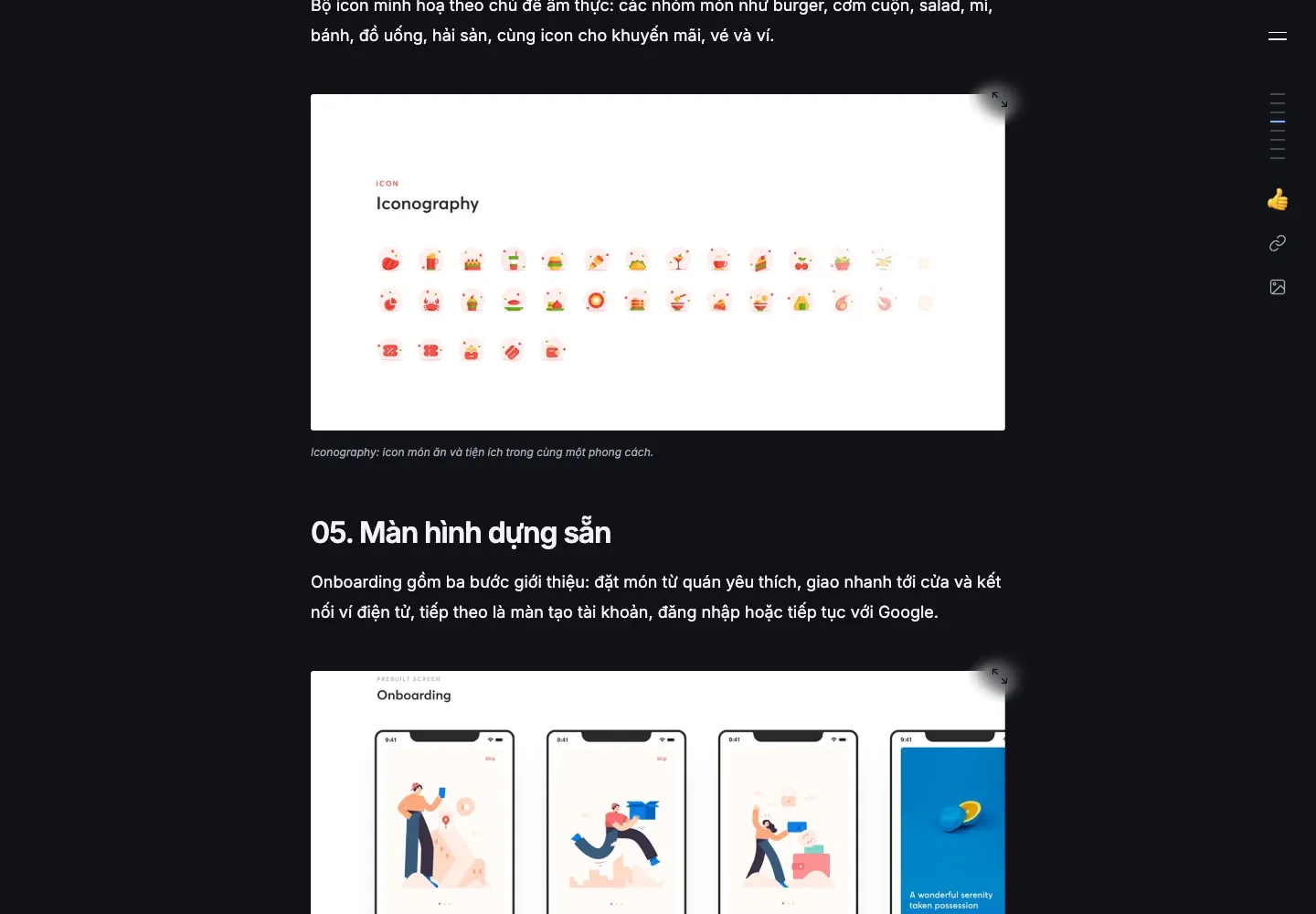
Article pages keep text in a comfortable column and let images expand for detail. The table of contents follows reading progress; Image mode expands eligible article images in one action. Reactions and copy-link controls sit in the article footer and table of contents.
The website supports light and dark modes alongside Vietnamese and English content editions. This page presents the current product experience; a practical guide to building with AI is available in a separate article.