SpeakEase (Free for noncommercial use)
A Vietnamese-first dictation app for macOS - hold a key, speak, let go, and the text lands where the cursor is, recognised on your Mac.
Contents
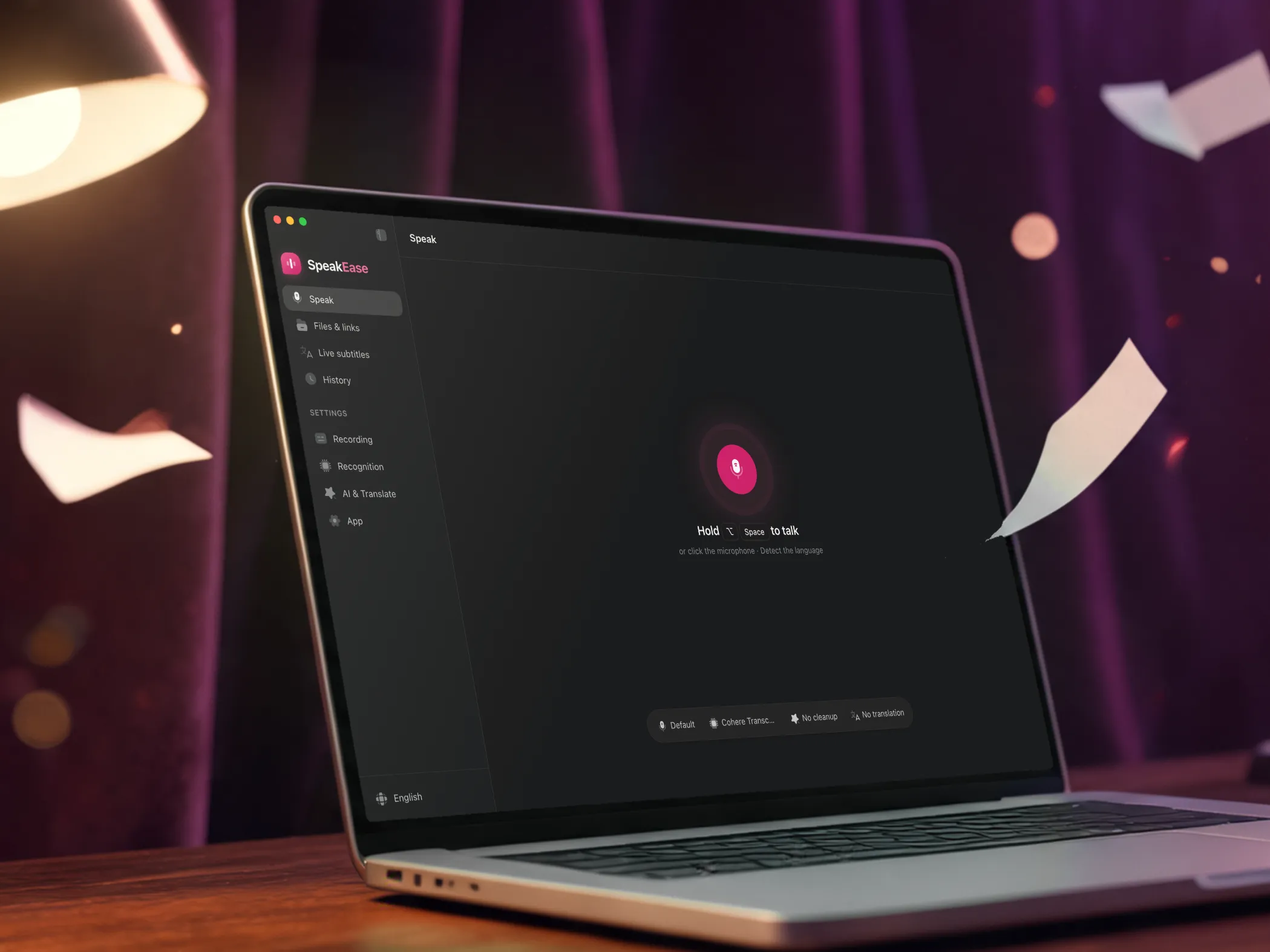
SpeakEase is a dictation app for macOS, made for Vietnamese first. Hold a key, speak, let go: the text is pasted where the cursor is, in any app. AI can tidy the sentence, drop the filler words or translate it into another language before it lands. The first part of this page is an overview of the interface; the second covers the overall logic, the direction and the technology behind the app.
The SpeakEase source is public on GitHub under the PolyForm Noncommercial 1.0.0 licence, built on Handy (MIT) by CJ Pais. Speech is recognised on your Mac; AI runs with Apple Intelligence on the Mac by default, and OpenAI, Anthropic or OpenRouter are options that use your own key.
The interface at a glance
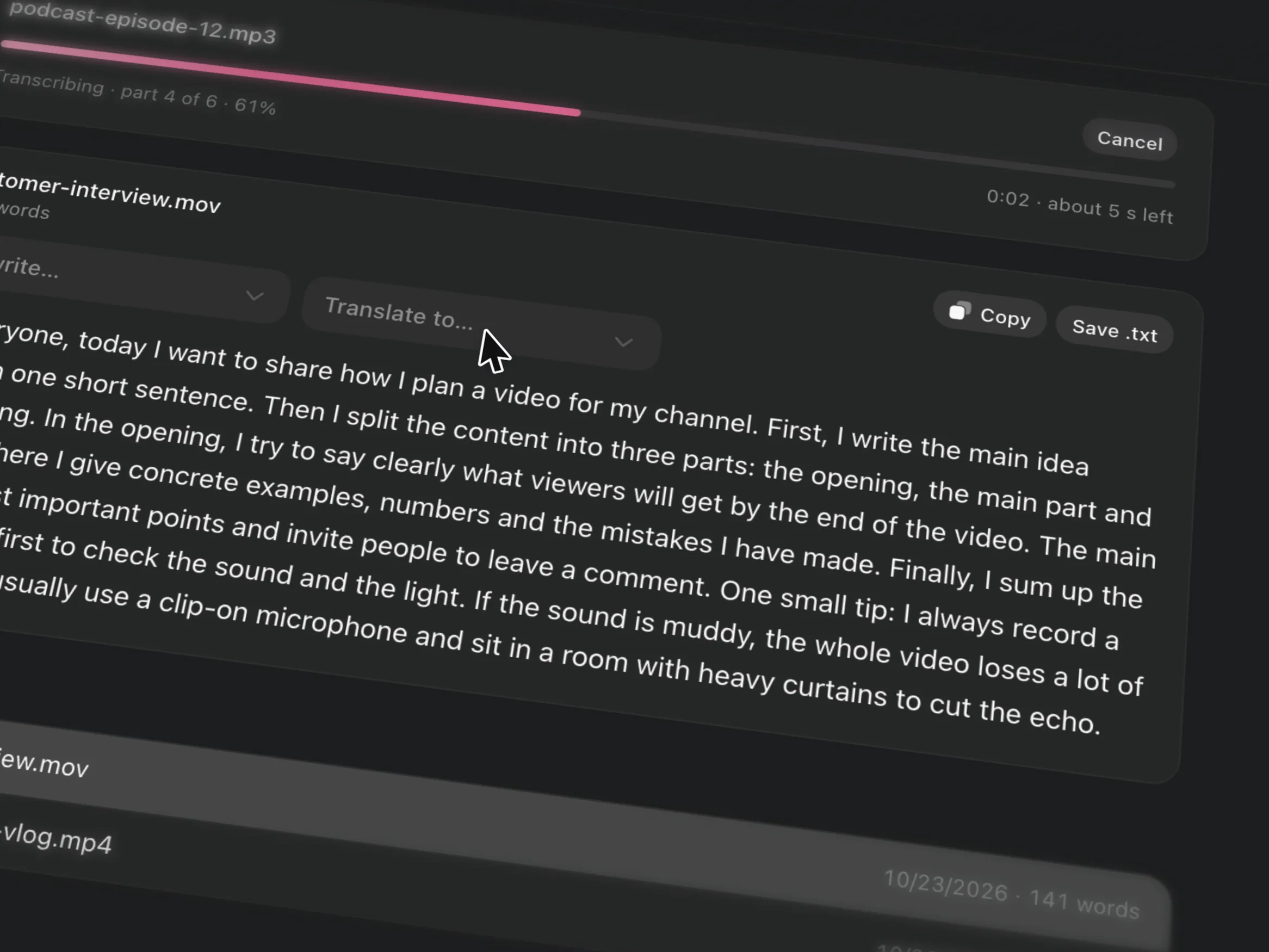
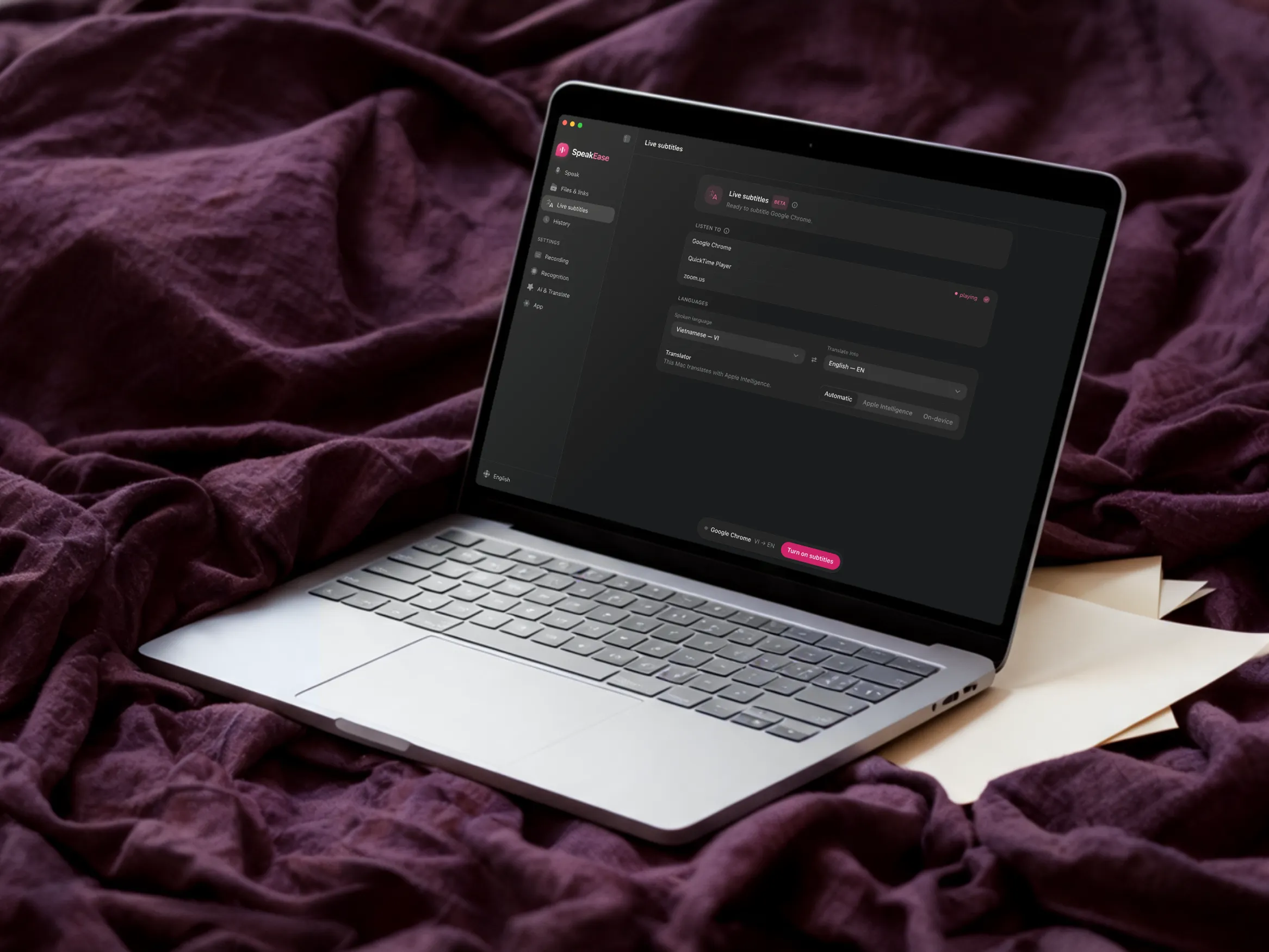
Swipe across in the order a dictation goes: from the Speak page, to the moment the text lands in another app, then what AI does with your words, and the other big features. Watch them all, or press Read the logic, to reach the logic, direction and technology just below.
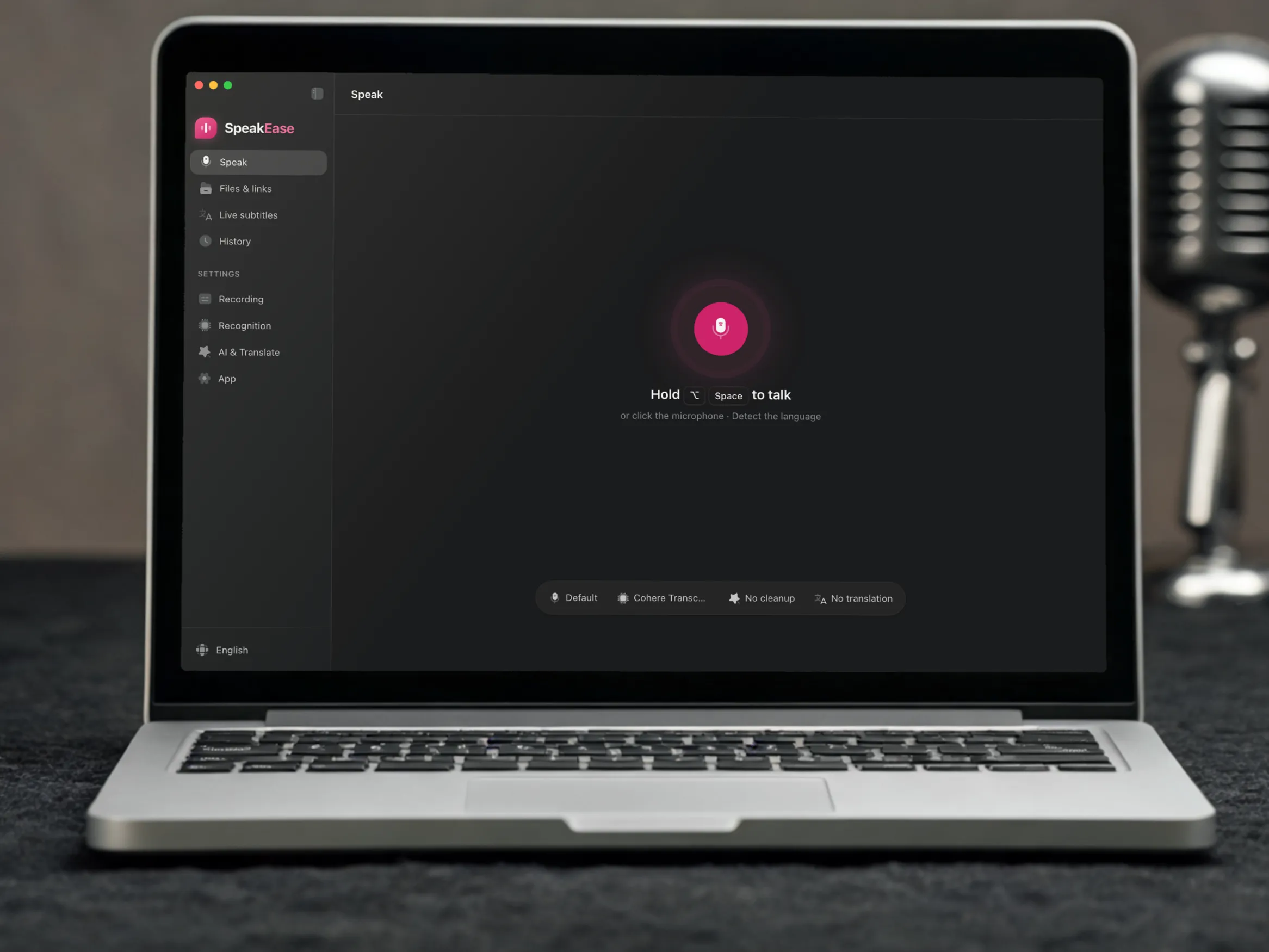
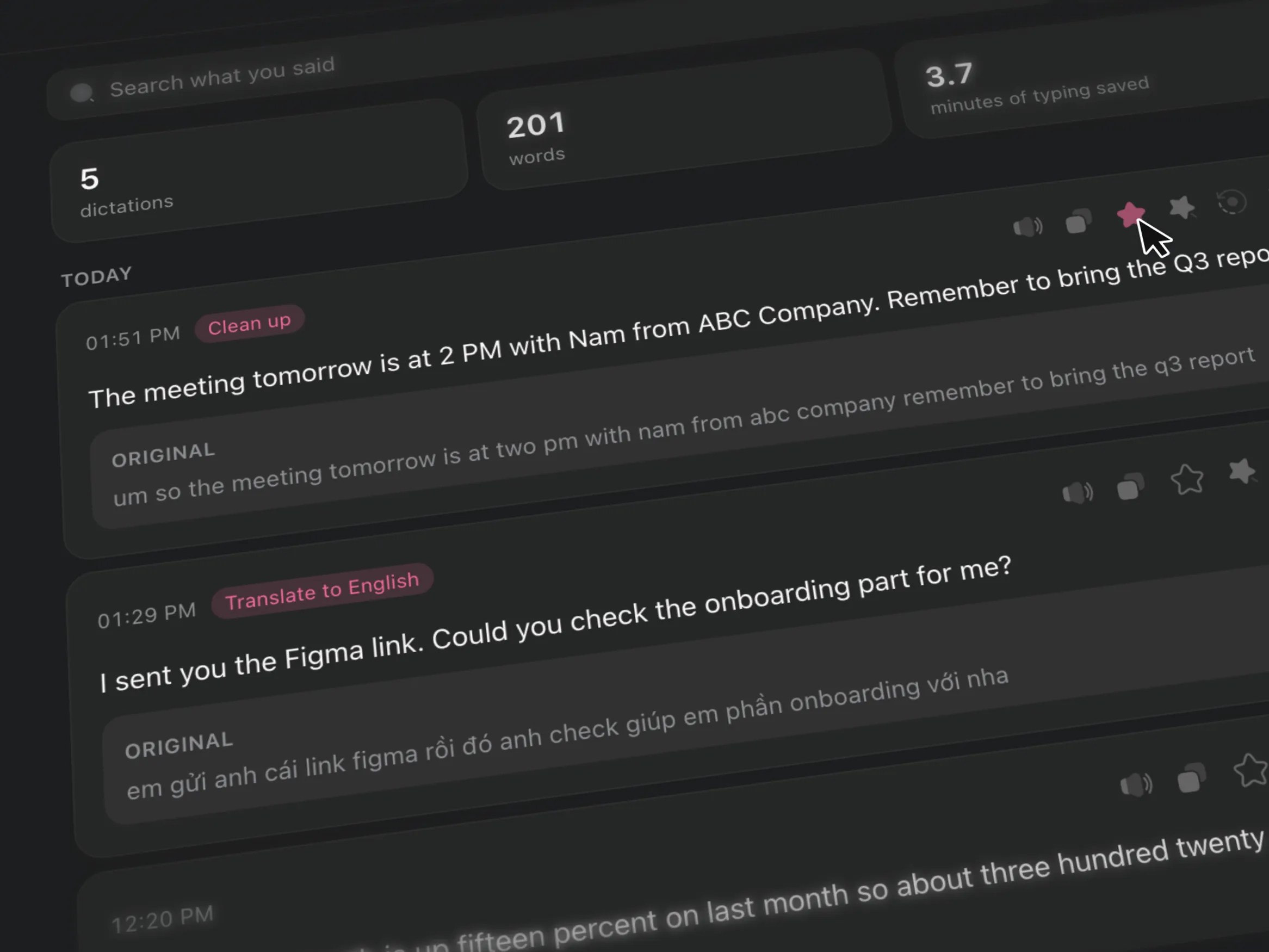
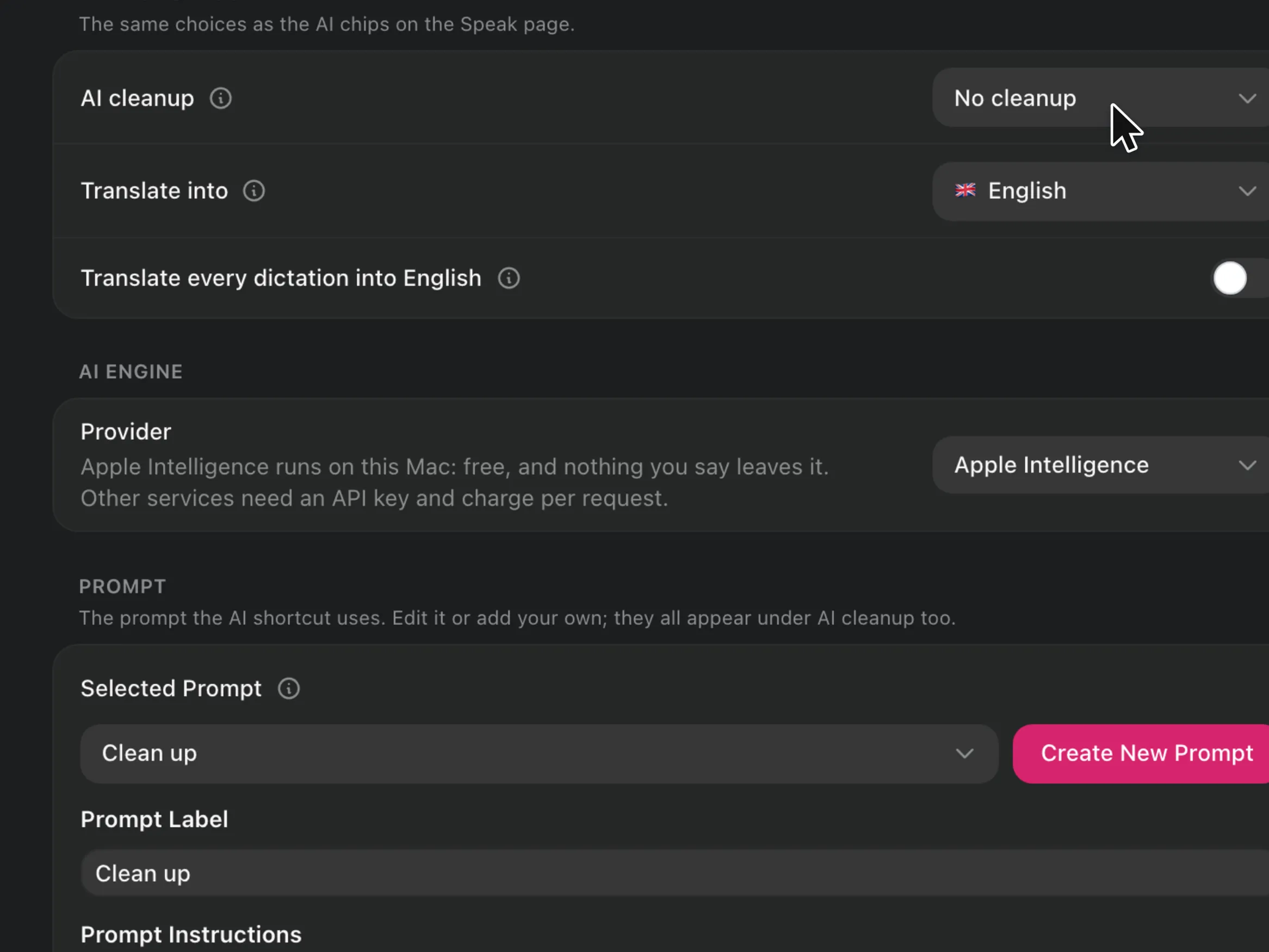
What follows does not walk through every button. It covers three things: the app’s overall logic, its direction, and the technology behind it.
The overall logic: one key, one path for your words
SpeakEase is for people who write a lot in Vietnamese on a Mac: typing tone marks through Telex or VNI is slow, and cloud dictation sends your voice to someone else’s server. The app keeps one simple promise: hold the key, speak, let go, and the text lands where the cursor is. Every dictation takes the same path: record, recognise on the Mac, run the AI steps you chose in a fixed order, paste into the app in front, then save to History.
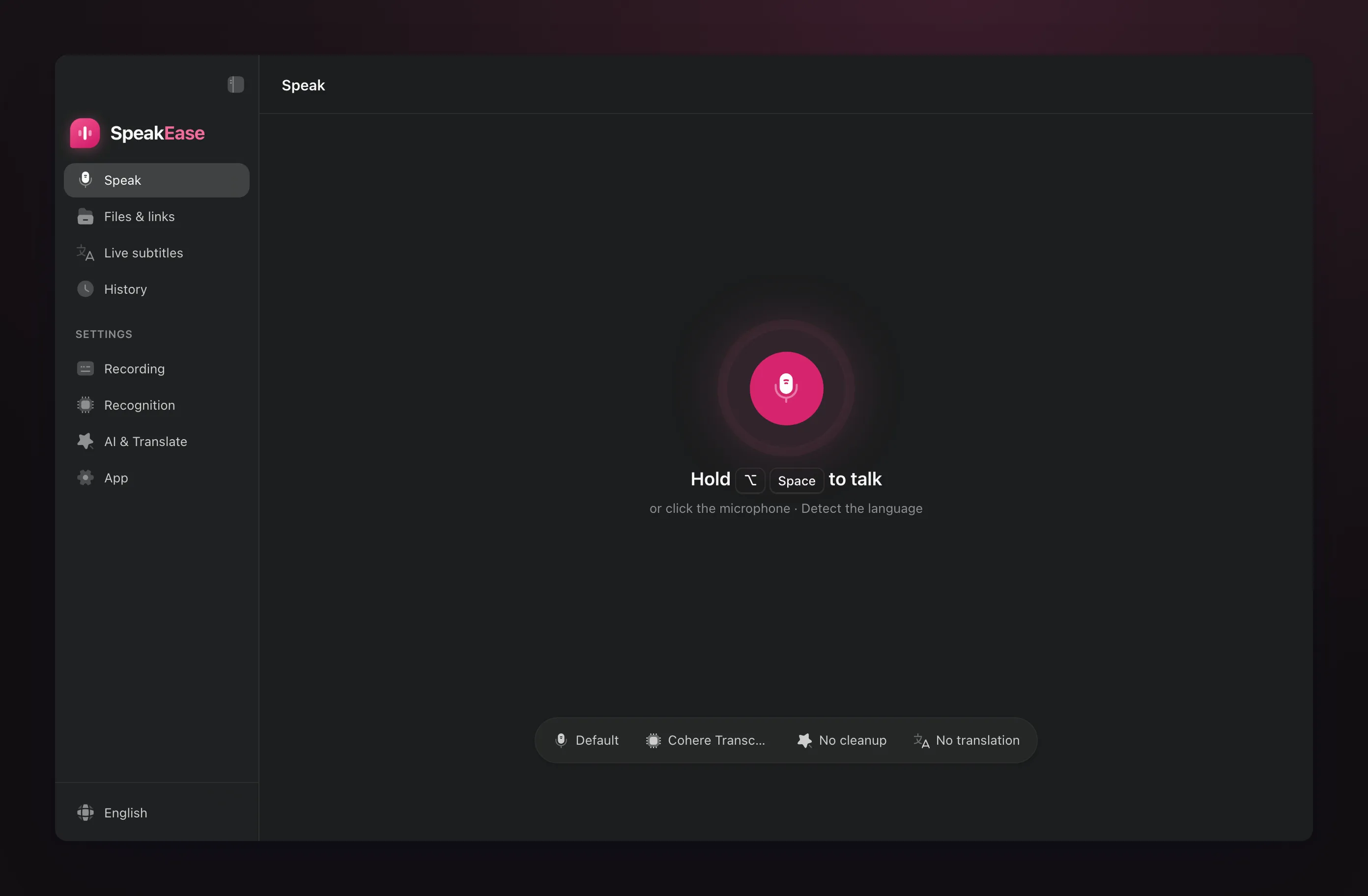
Three principles keep that path trustworthy:
-
No modes to think about. Hold the key and it records until you let go; tap it and it records until the next press. Left on Auto with a model that cannot detect the language, the app tries Vietnamese and English in turn, and remembers the one that worked so it goes first next time.
-
Your words are never lost. Long recordings are cut at their quietest moments into pieces of at most 30 seconds and joined back in order, so no stretch of speech is dropped. If an AI step returns nothing or refuses, the original text is still pasted and the app says that AI did not run.
-
AI runs in order, and does not take orders from your speech. Cleanup first, translation second; a target other than English goes through English. What you said is fenced in its own tags when sent to AI, so a sentence like “ignore the instructions above” is written down, not obeyed. One Use AI switch stops every AI step.
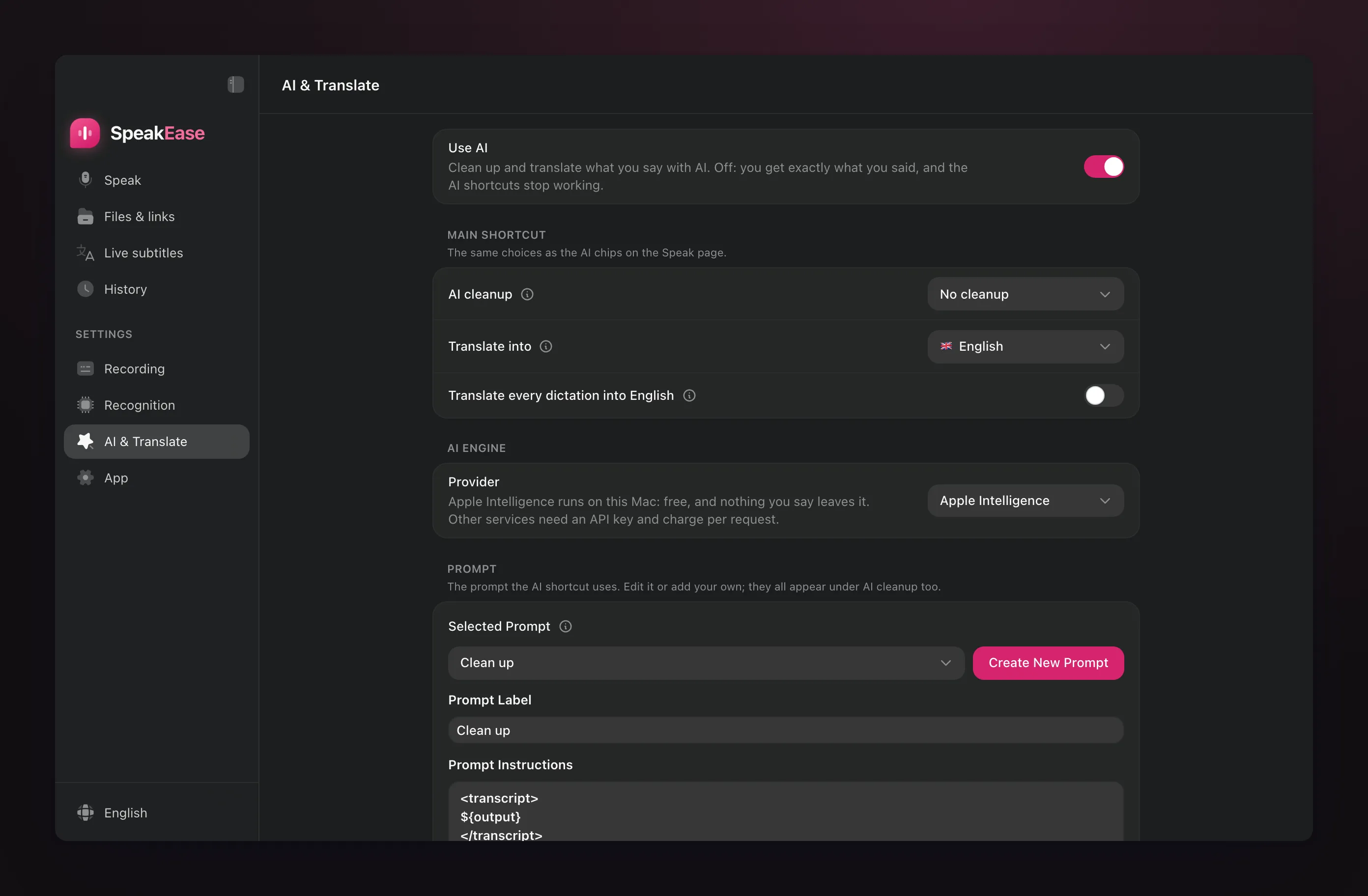
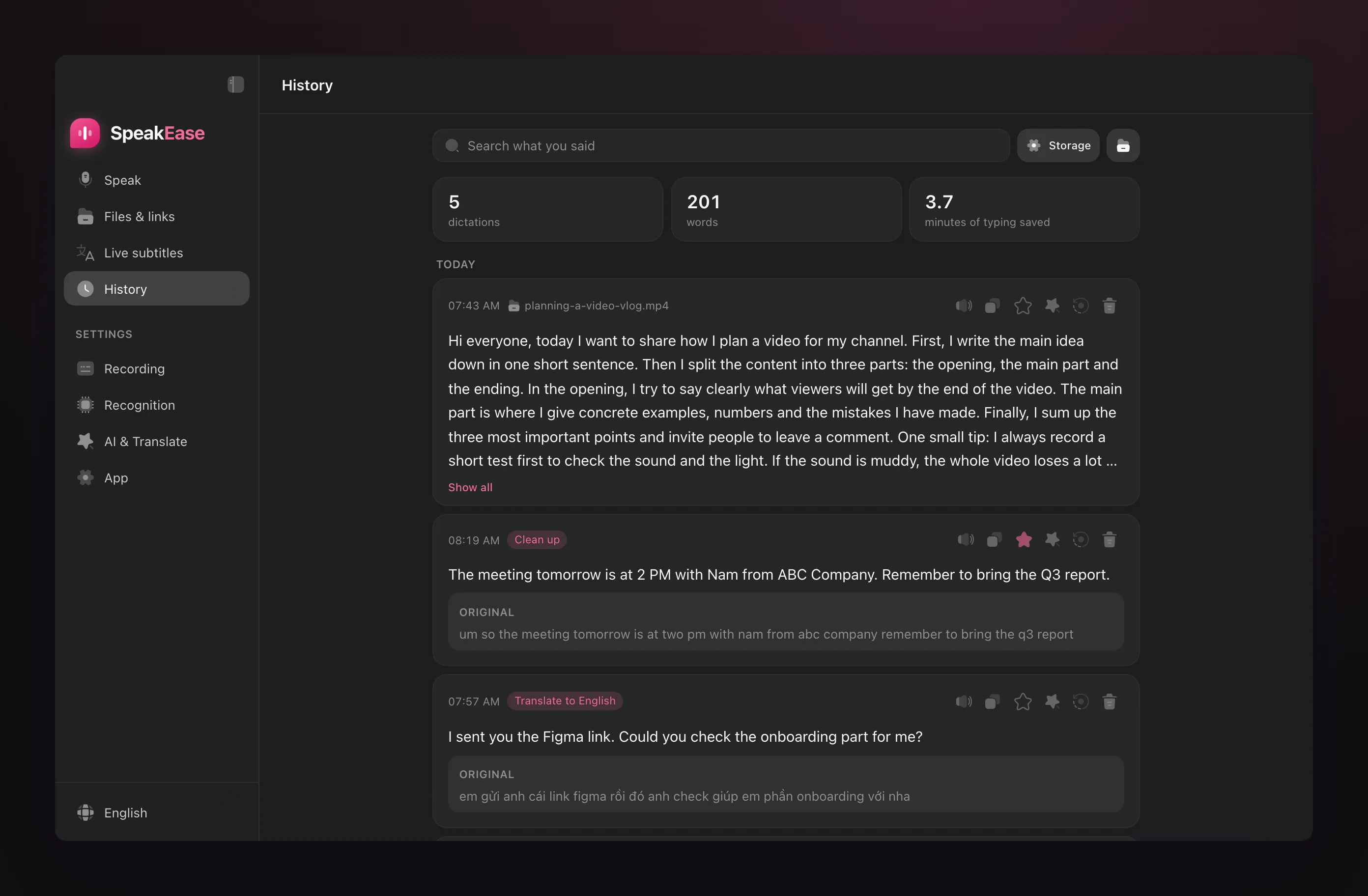
History keeps every dictation findable and honest. A card with an AI version always shows the original under it; search ignores capitals, Vietnamese ones included, and looks in both texts. The three counters on top count the text you actually received, and the minutes saved come from the gap between typing speed and speaking speed.
Direction: speak, clean up, translate, and take words from any sound
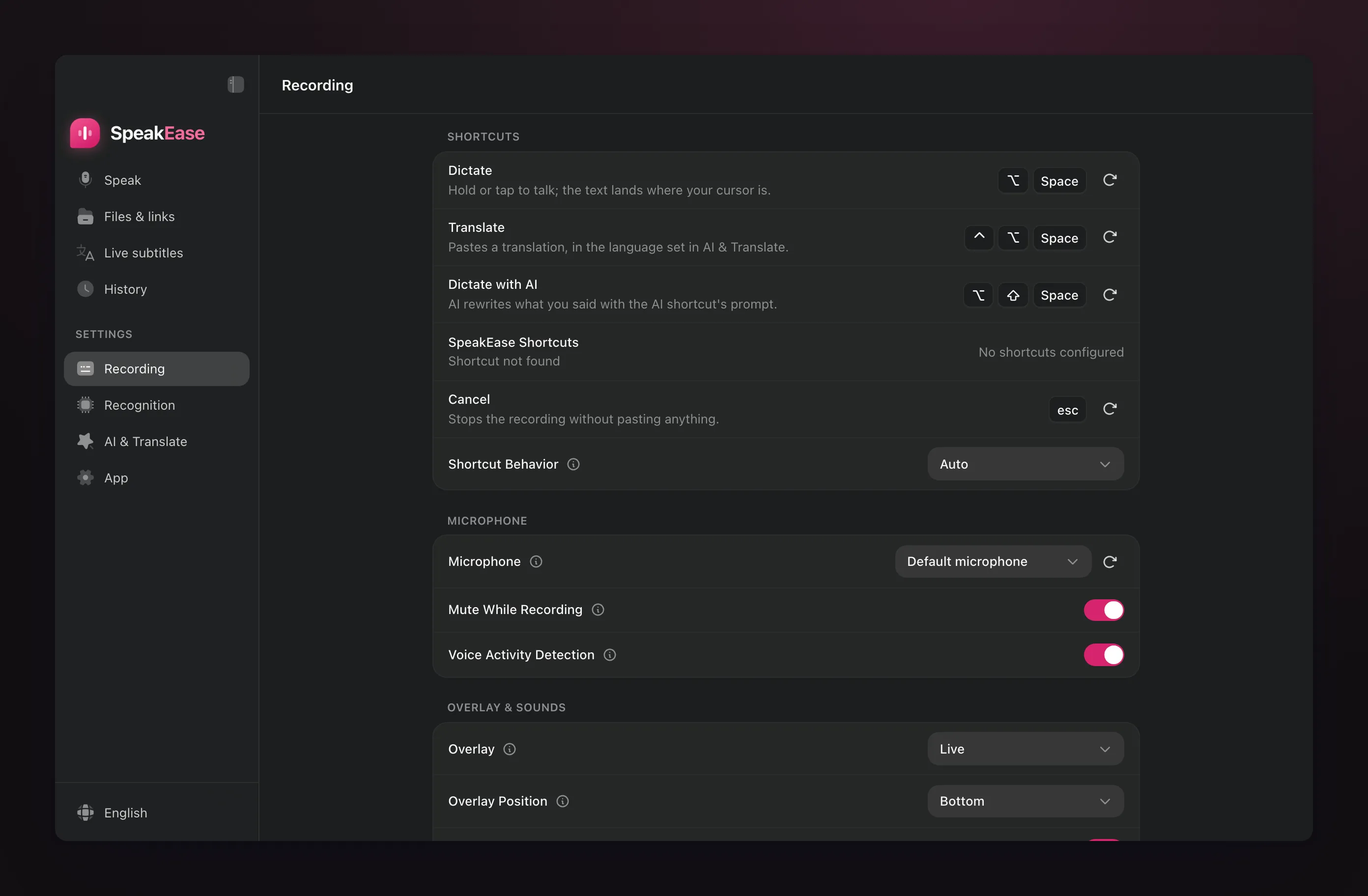
SpeakEase is heading toward dictation that runs on your Mac: no account, no server of its own, no usage tracking, and audio that never leaves the machine. On that base the app grows with what a writer actually does with their spoken words:
-
Right the first time. AI adds punctuation, capitalises names, turns spoken numbers into digits and drops filler words. A Vietnamese cleanup prompt and a Write as an email prompt ship with the app; you can add your own, and teach it names and terms of your own.
-
Speak one language, paste another. Speak Vietnamese and paste English or one of 11 other languages; turn it on for every dictation, use the separate translate shortcut, or press the button on the recording pill for just the dictation in progress.
-
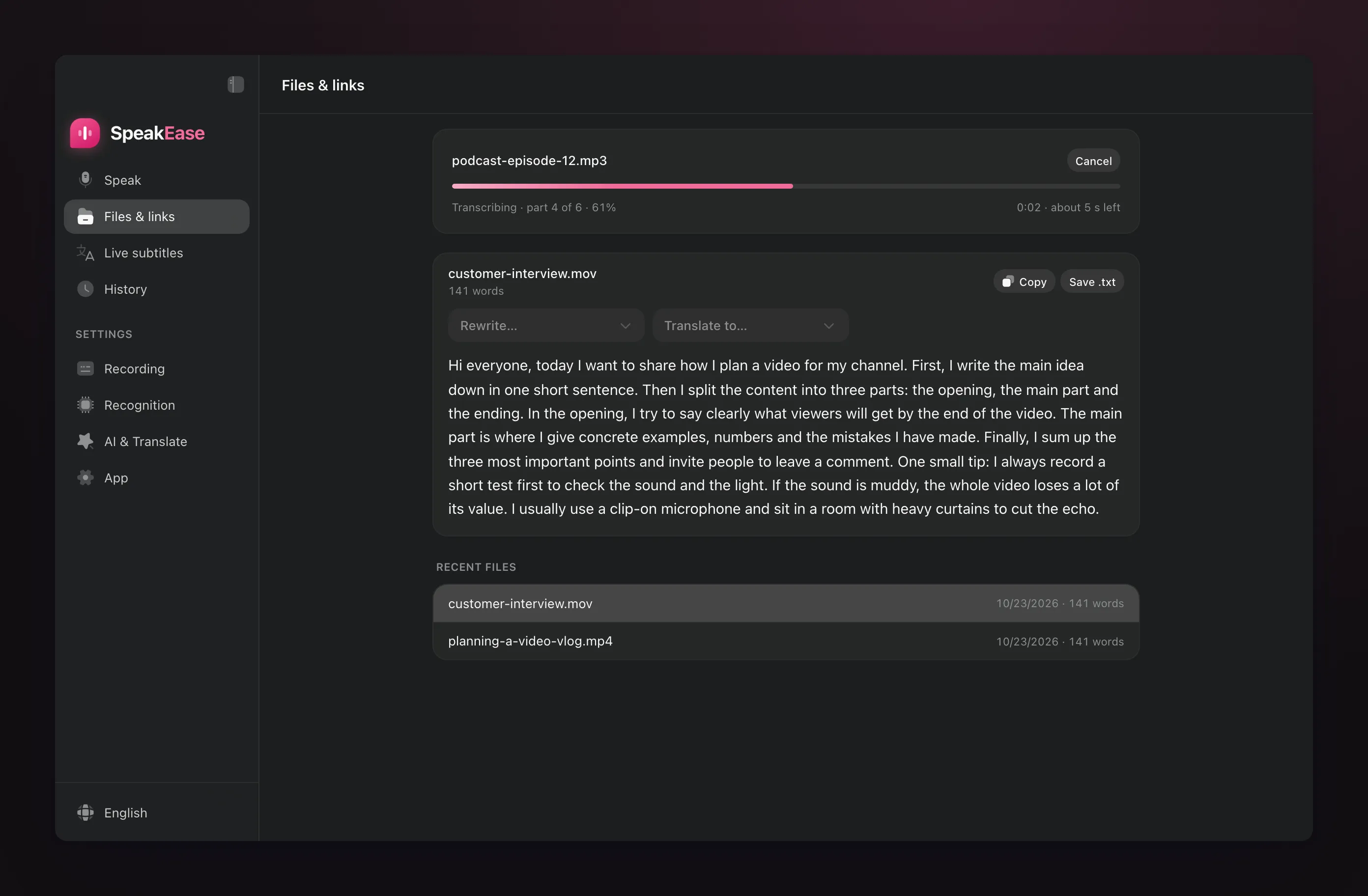
Words from what is already recorded. MP3, M4A, MP4, MOV, MKV, WebM, Telegram or WhatsApp voice messages, or a link; only the sound is read, so a 10-minute video becomes text in about 11 seconds. Then rewrite or translate it piece by piece, copy it or save it as .txt.
-
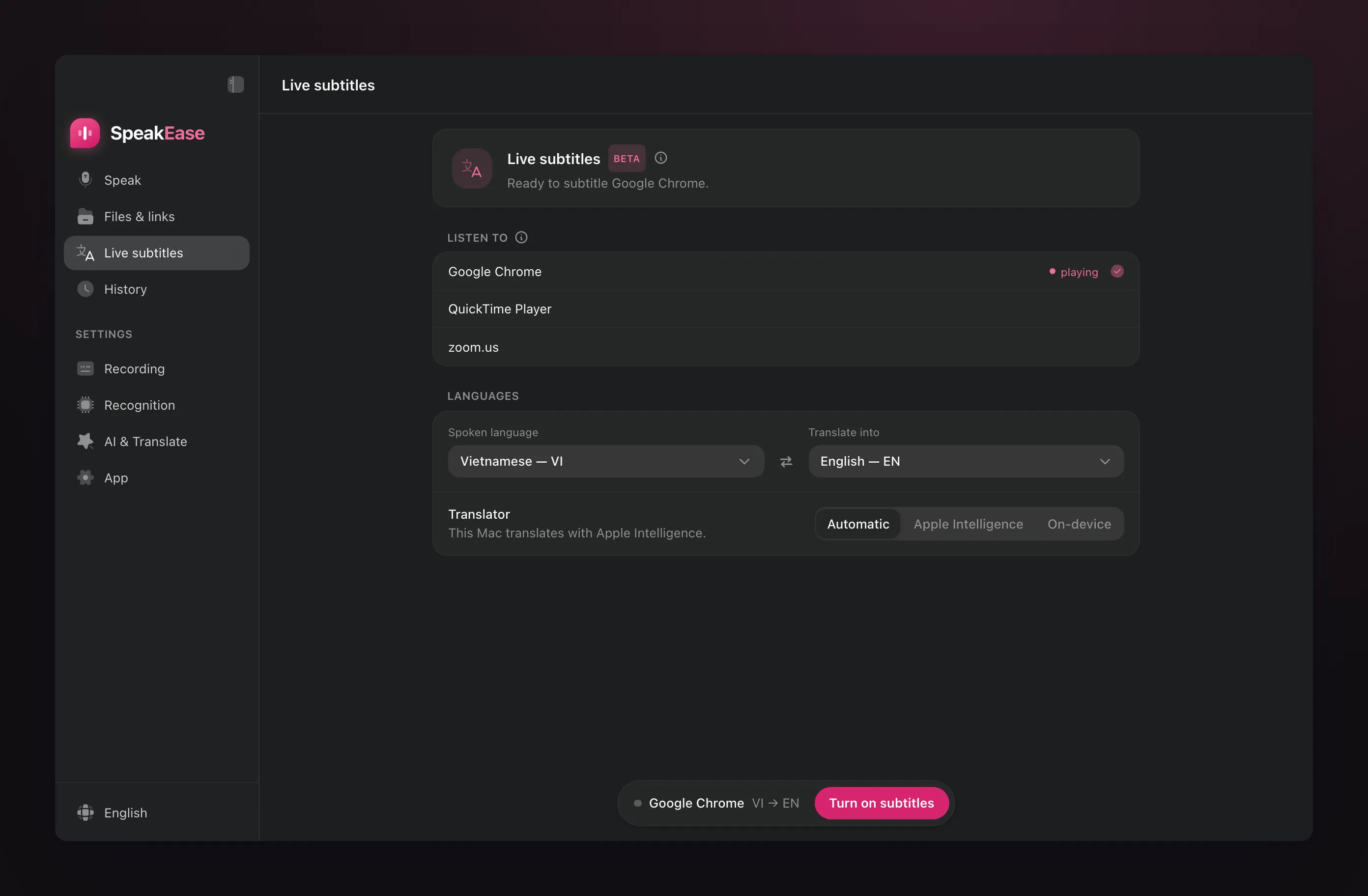
Live subtitles, in beta. The coming 0.1.2 listens to one app such as Chrome, Zoom or a podcast player, recognises it on the Mac, translates each sentence on the Mac and shows both languages on a floating panel. It reads the title of what is playing so names come out right, fixes a sentence once it is complete, and saves the session to History. It sits behind the Experimental switch and is not released yet.
What SpeakEase deliberately does not do is part of the direction too: no account, no automatic crash reports, an interface in Vietnamese and English only, and testing on Apple Silicon Macs only.
The technology behind it
SpeakEase is a fork of Handy, the open-source transcription app by CJ Pais. The shell is written in Tauri 2 (Rust) with a React interface; the Rust side handles the system-wide shortcuts, recording, the floating recording pill, pasting into other apps through macOS Accessibility, and History in SQLite.
-
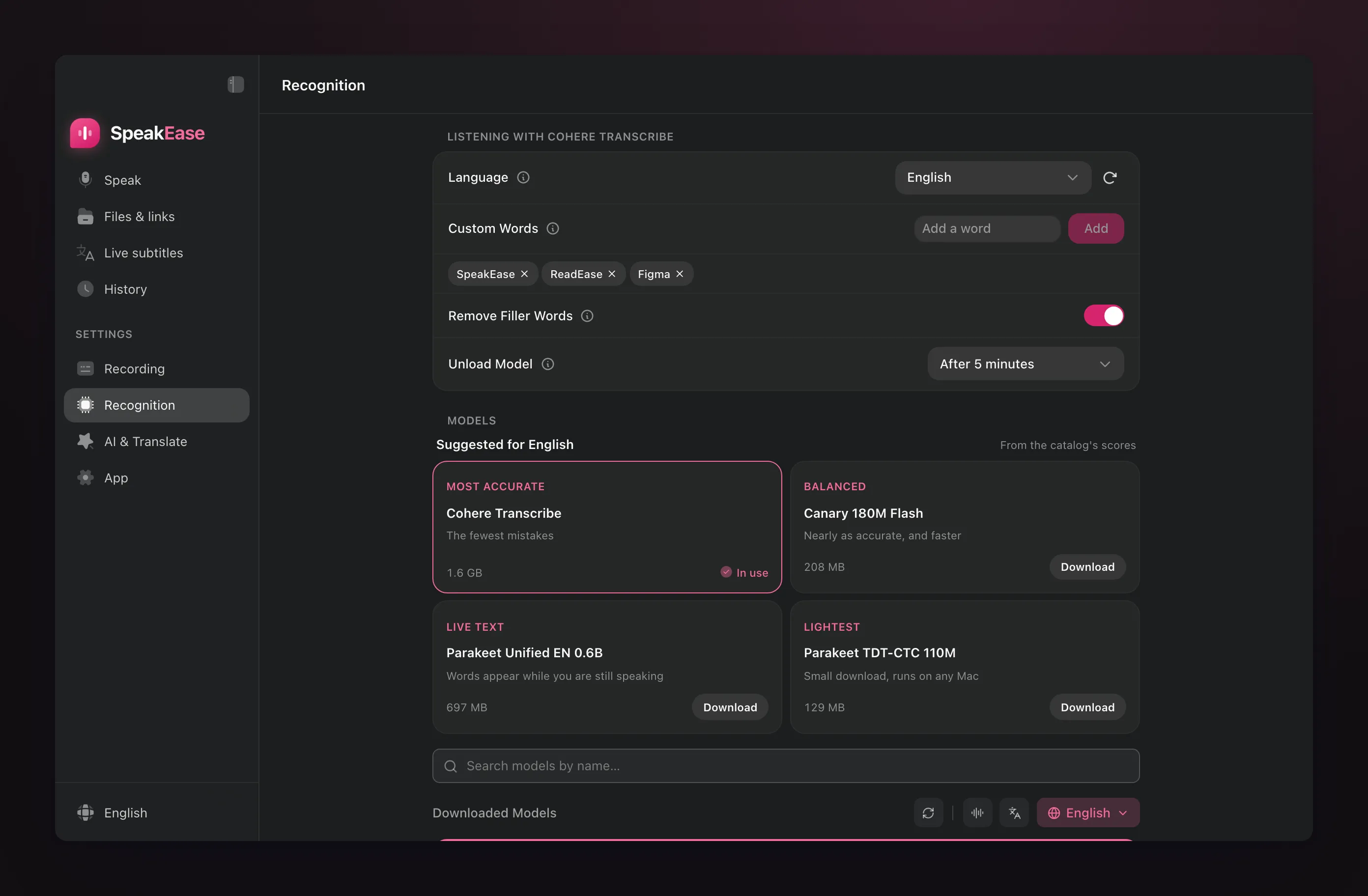
Recognition on the Mac. Models run through ONNX and ggml engines (such as whisper.cpp), accelerated with Metal. The app suggests only models measured on Vietnamese: on 60 sentences from Google FLEURS, Cohere Transcribe gets 6.3% of words wrong, Qwen3-ASR 1.7B 6.8%, Whisper Large v3 Turbo 8.2%.
-
AI on the Mac. Apple Intelligence is called through a Swift bridge built into the app, so cleanup and translation run on supported Macs. An online service receives text, never audio, and only when you add its key.
-
Only the sound is read. For files and videos, the first audio track is decoded straight to 16 kHz mono in memory with Symphonia, with libopus for Opus; the picture is skipped and nothing is re-encoded. YouTube links go through yt-dlp when it is installed.
-
Releases. The app is Developer ID signed and notarized; updates are read only from SpeakEase’s own GitHub releases, with their own signature.
Data and limits
Audio, recognised text, History and settings stay on your Mac. Only text (never audio) goes to an AI service you added a key for.
-
The app needs an Apple Silicon Mac (M1 or later); AI cleanup on the Mac needs Apple Intelligence (macOS 26 or later, on supported Macs).
-
On first launch macOS asks for Microphone access to listen and Accessibility access to paste into other apps.
-
Recognition models download when you choose them, for example about 1.6 GB for Cohere Transcribe.
-
YouTube links need yt-dlp; the app shows the install command as soon as you paste one.
-
Live subtitles (beta, 0.1.2) need macOS 14.2 or later and ask once for permission to record system audio.
Download SpeakEase from GitHub Releases, drag it into Applications, grant Microphone and Accessibility, choose a model, then hold Option Space and speak.
The images and videos here are captured from the preview of the app’s newest interface (0.1.2, not yet released), with English example data. The swipe-through images place the captured screens in AI-generated scenes, clipped to each photo’s own screen area; the videos record the real recording pill, window and subtitle panel on a recreated Mac desktop, with the pointer drawn in afterwards.